AI in Healthcare
Smart on FHIR: What It Is and How It Works in Practice
Smart on FHIR guide for healthtech engineers. Learn the OAuth 2.0 launch model, scope syntax, backend services, and US regulatory requirements.
October 14, 2026Read more
A practical EHR integration API reference covering FHIR R4, SMART on FHIR authorization, HL7 v2 feeds, bulk export, CDS Hooks, error handling and HIPAA safeguards.
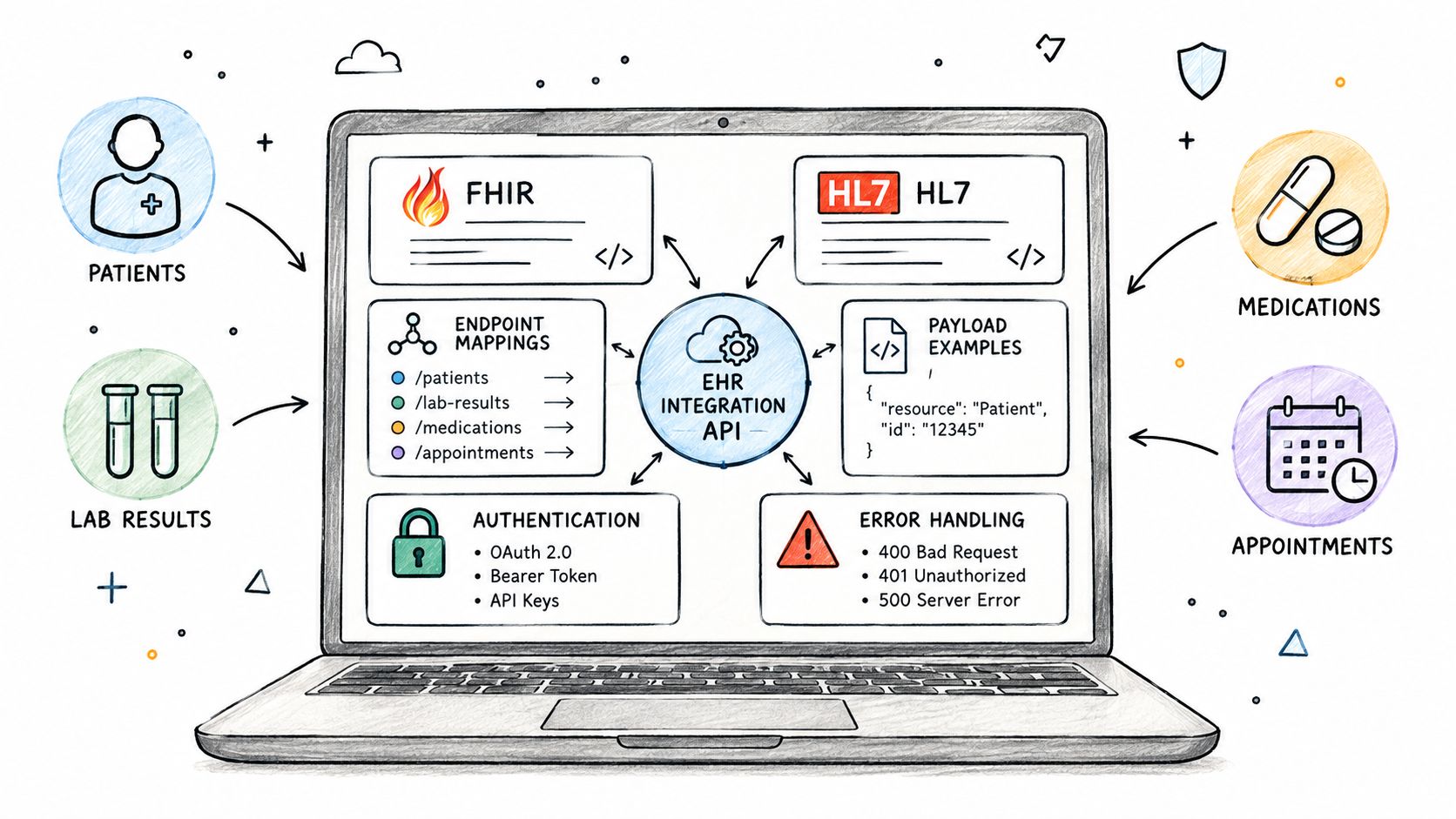
In the United States, certified EHR technology must expose a standardized FHIR API. The ONC certification criterion for standardized API access, 45 CFR 170.315(g)(10), currently references FHIR R4, the US Core Implementation Guide 6.1.0, SMART App Launch 2.0.0 and Bulk Data Access 1.0.0, with newer versions of these guides approved for voluntary use. On paper, that gives every healthtech product a common way into the major EHRs. In practice, an EHR integration API is several interfaces at once, and the standard API covers only part of what a production integration needs.
This reference sets out those interfaces: FHIR REST, SMART authorization, HL7 v2 feeds, bulk export and CDS Hooks. It then covers vendor differences, data mapping, error handling and the HIPAA safeguards that apply to all of them, with a worked example at the end.
Most production integrations combine at least two of the patterns below. The choice depends less on preference than on what the EHR supports for the data you need, and whether you need to read, write, react to events or extract data in bulk.
| Pattern | Standard | Typical use | Direction |
|---|---|---|---|
| FHIR REST API | FHIR R4, profiled by US Core in the US | Read patient data on demand; write where the EHR allows it | Read, sometimes write |
| SMART App Launch | SMART App Launch (OAuth 2.0) | Apps launched inside the EHR or by patients, with user and patient context | Authorization |
| SMART Backend Services | SMART App Launch, Backend Services | Server-to-server access without a user, for example scheduled jobs | Authorization |
| HL7 v2 messaging | HL7 v2.x (often 2.3 to 2.5.1) | Real-time events: admissions, orders, results, scheduling, charges | Push from EHR, sometimes to EHR |
| Bulk Data export | FHIR Bulk Data Access | Population-level extraction for analytics and model training | Read |
| CDS Hooks | CDS Hooks | Decision support triggered by clinician actions in the EHR | EHR calls your service |
A useful rule of thumb: FHIR REST answers "give me this data now", HL7 v2 answers "tell me when something happens", Bulk Data answers "give me everything for this population", and CDS Hooks answers "let me advise the clinician at this moment".
The FHIR API is resource-based. Each clinical concept is a resource with its own endpoint, and the server's CapabilityStatement, returned by GET [base]/metadata, states which resources, interactions and search parameters it supports. Read it before writing any integration code; it is the only reliable description of what a specific EHR instance can do.
The resources most integrations start with:
| Resource | Example request | Typical use |
|---|---|---|
| Patient | GET /Patient/{id} |
Demographics and identifiers |
| Encounter | GET /Encounter?patient={id}&date=ge2026-01-01 |
Visits and admissions |
| Observation | GET /Observation?patient={id}&category=laboratory |
Lab results, vital signs, social history |
| Condition | GET /Condition?patient={id}&clinical-status=active |
Problem list and diagnoses |
| MedicationRequest | GET /MedicationRequest?patient={id}&status=active |
Active prescriptions |
| AllergyIntolerance | GET /AllergyIntolerance?patient={id} |
Allergies |
| DocumentReference | GET /DocumentReference?patient={id}&category=clinical-note |
Clinical notes and documents |
| Appointment | GET /Appointment?patient={id}, POST /Appointment |
Scheduling, where write is supported |
Search results come back as a Bundle. Results are paged, and the next page is linked through Bundle.link with relation next; clients should follow that link rather than construct page URLs themselves. _count sets the page size (servers may cap it), and _include and _revinclude let you fetch related resources in one request, for example GET /Encounter?patient={id}&_include=Encounter:location.
Writes need more care than reads. A conditional create with the If-None-Exist header prevents duplicate resources when a request is retried, and an update with If-Match and the resource's version ETag prevents one client from silently overwriting another's change. When a request fails, a FHIR server returns an OperationOutcome resource describing the problem, which is far more useful for diagnosis than the HTTP status alone.
EHR FHIR APIs are protected with OAuth 2.0 as profiled by SMART App Launch. A client first reads the server's discovery document at [base]/.well-known/smart-configuration to find the authorization and token endpoints and the capabilities the server supports.
SMART defines two authorization patterns
| Pattern | When to use it | Context | Client authentication |
|---|---|---|---|
| SMART App Launch, EHR launch | App opened from within the EHR session | Current user and patient passed to the app | Confidential (preferred) or public client |
| SMART App Launch, standalone launch | App started outside the EHR, for example by a patient | User selects context at launch | Confidential or public client |
| SMART Backend Services | Headless services and scheduled jobs | No user; access assigned out of band | Asymmetric key (private key JWT) |
Scopes define what the client may do. SMART v2 uses a syntax of context, resource and permitted interactions: patient/Observation.rs allows reading and searching Observations for the patient in context, user/Encounter.rs allows the same for Encounters the user can access, and system/Encounter.rs applies to backend services. SMART prefers asymmetric "private key JWT" client authentication because it avoids sending a shared secret over the network.
Two practical points follow. First, request only the scopes you need; EHR administrators review scopes during app approval, and broad scopes slow that process down. Second, a granted scope does not guarantee that every interaction works. Write scopes in particular may be accepted at authorization time and still be refused for specific resources by the EHR's own configuration, so test each write path against each customer instance.
Much of the event-driven traffic in hospitals still runs on HL7 v2 messages over MLLP connections, usually through the provider's interface engine. These feeds often arrive before an equivalent FHIR capability exists in the field, which is why many integrations need both.
| Message type | Example trigger events | Typical use |
|---|---|---|
| ADT | A01 admit, A03 discharge, A04 register, A08 update | Patient movement and demographics |
| ORM / OML | O01 order message | Orders sent to departmental systems |
| ORU | R01 unsolicited result | Lab and diagnostic results |
| SIU | S12 new appointment, S14 modification, S15 cancellation | Scheduling |
| MDM | T02 original document notification and content | Clinical documents and transcriptions |
| DFT | P03 post detail financial transaction | Charges |
HL7 v2 is flexible in ways that make every interface slightly different: optional fields, local Z-segments and site-specific code values are common. Treat each feed as a contract that needs its own specification, test messages and monitoring, and acknowledge messages (ACK) only after they have been safely persisted.
For analytics, quality measurement and AI training data, single-patient requests are too slow. The FHIR Bulk Data Access specification defines an asynchronous $export operation at three levels: all patients on the server, Patient/$export, or a defined group, Group/[id]/$export. The (g)(10) criterion requires certified EHRs to support the group-level export.
The flow is the same at every level. The client sends a kick-off request with Prefer: respond-async; the server answers 202 Accepted with a status URL in the Content-Location header; the client polls that URL until it receives a manifest listing the output files; and the client downloads the files, one NDJSON file per resource type. Bulk export uses SMART Backend Services for authorization, so the client authenticates with its own key rather than on behalf of a user.
Exports of large populations can take hours. Design the pipeline to resume after failures, to respect the server's polling guidance, and to validate and de-identify the output before it reaches any training environment where identifiable data is not required.
CDS Hooks reverses the direction of the integration: the EHR calls your service when a clinician performs an action, and your service responds with "cards" that the EHR displays. Common hooks include patient-view (a chart is opened), order-select (an order is selected) and order-sign (orders are about to be signed).
Each hook request carries context, such as the user, patient and draft orders, and can include prefetched FHIR data that the service declared in advance. Response time matters here: the clinician is waiting, so services should use prefetch rather than make fresh FHIR calls where possible, and return no cards rather than slow ones. If the decision support function meets the definition of a medical device, the software may also fall under FDA or EU medical device requirements; our SaMD solutions page explains how we approach that engineering.
The standards set a common minimum, and vendors build differently on top of it. The main differences show up in five places:
| Area | What varies between EHR vendors and instances |
|---|---|
| Supported resources | Which resources and US Core profiles are exposed beyond the certification minimum |
| Search parameters | Which parameters and combinations are supported, and how dates and tokens are matched |
| Write support | Which resources accept create or update, and under which scopes |
| Limits | Page sizes, rate limits and timeouts |
| App approval | Registration, review and activation processes per vendor and per customer site |
Epic and Oracle Health both publish developer documentation for their FHIR APIs (Epic on FHIR, Oracle Health FHIR documentation). Use it for planning, but confirm behavior against each customer's CapabilityStatement and test environment; two hospitals on the same vendor can run different versions and configurations.
A resource can conform to the FHIR specification and still be unusable for your purpose. The usual causes are codes, units and free text.
US Core expects standard terminologies for many elements: LOINC for laboratory tests and vital signs, SNOMED CT for many clinical concepts, RxNorm for medications, and UCUM for units. In practice, data from different sites often mixes standard codes with local codes, reports the same test in different units, or keeps clinically important information in free-text notes rather than coded fields. Smoking status, for example, may be a coded Observation at one site and a sentence in a note at another.
Build a terminology layer that maps local codes to standard ones, normalizes units, records the mapping version, and flags values it cannot map instead of guessing. For AI features, this layer usually determines model quality more than the model itself.
Integrations fail in predictable ways. Handling them consistently is the difference between a demo and a service that can run unattended.
| Response | Usual meaning | Recommended handling |
|---|---|---|
| 400 Bad Request | Invalid request or unsupported search parameter | Log the OperationOutcome; fix the request; do not retry unchanged |
| 401 Unauthorized | Token missing or expired | Obtain a new token, then retry once |
| 403 Forbidden | Scope or EHR configuration does not allow the action | Do not retry; check scopes and site configuration |
| 404 Not Found | Resource does not exist or is not visible to this client | Treat as data, not as an outage |
| 409 / 412 Conflict or Precondition Failed | Version conflict on update | Re-read the resource, re-apply the change, retry with the new ETag |
| 429 Too Many Requests | Rate limit reached | Back off, respecting Retry-After if provided |
| 5xx Server errors | Temporary EHR or network problem | Retry with exponential backoff and jitter; alert after a threshold |
Make every write idempotent, using conditional creates or your own idempotency keys, so a retry never creates duplicates. Version your mappings and integration code together, and keep enough request metadata (never more patient data than necessary) to trace a failure back to a specific request.
Any integration that handles electronic protected health information falls under the HIPAA Security Rule. The technical safeguards in 45 CFR 164.312 translate directly into integration design:
| Safeguard (45 CFR 164.312) | What it means for an EHR integration |
|---|---|
| Access control (a) | Least-privilege scopes, unique client identities per environment, emergency access procedures |
| Audit controls (b) | Logs of which client and user accessed which patient records, retained and protected from alteration |
| Integrity (c) | Controls that prevent improper alteration of ePHI, such as version checks on updates and validated mappings |
| Person or entity authentication (d) | Strong client authentication (private key JWT), key rotation and secret management |
| Transmission security (e) | TLS for FHIR and token endpoints; encrypted VPN or TLS for HL7 v2 MLLP connections |
A business associate agreement with each covered entity customer, and with any subcontractor that handles ePHI, is a separate administrative requirement that the technical design does not replace.
To show how the pieces combine, take a hypothetical case. A healthtech company builds an assistant that drafts discharge summaries for hospital clinicians.
The clinician opens the assistant from the patient's chart, so the app uses a SMART EHR launch and receives the user and patient context. With scopes limited to patient/Encounter.rs, patient/Observation.rs, patient/Condition.rs, patient/MedicationRequest.rs and patient/DocumentReference.rs, it reads the current encounter, recent results, active problems and medications, and existing notes. An ADT A03 discharge message from the hospital's interface engine tells the backend when a discharge is complete, so drafts that were never finalized can be closed.
The draft is shown to the clinician for review and editing. Whether the final text can be written back as a DocumentReference depends on the EHR's write support at that site; where it is not available, the clinician copies the approved text into the EHR's own documentation workflow. Every read and every generated draft is logged against the user and patient, and no patient data is sent to a model environment that is not covered by the appropriate agreements and controls. If the assistant were extended to make diagnostic or treatment recommendations, its regulatory status would need to be assessed before release.
This is the kind of integration work our implementation support team carries out inside existing healthcare systems.
An EHR integration API combines several interfaces: FHIR REST for on-demand access, SMART for authorization, HL7 v2 for events, Bulk Data for populations and CDS Hooks for decision support. The (g)(10) criterion makes the FHIR part predictable across certified EHRs, but vendor differences, local terminology and site configuration still decide how much of it works in a given hospital.
Teams that read each CapabilityStatement, request narrow scopes, make writes idempotent, invest in terminology mapping and build HIPAA safeguards into the integration from the start spend less time on surprises after go-live. For broader context on how we build healthcare AI and integration products, see our healthcare work.
Often not on its own. FHIR covers on-demand reads and, at some sites, writes. Real-time events such as admissions, results and scheduling changes are still commonly delivered as HL7 v2 messages, and population-level extraction uses the Bulk Data $export operation.
SMART App Launch authorizes a user-facing app and can pass the current user and patient context from the EHR. Backend Services authorizes a server process with no user involved, using the client's own asymmetric key. Both are defined in the SMART App Launch implementation guide.
They support a common minimum defined by the ONC (g)(10) certification criterion, including US Core and SMART App Launch. Beyond that minimum, supported resources, search parameters, write access and limits vary by vendor and by customer configuration, so each instance's CapabilityStatement is the reference.
Treat 429 Too Many Requests as a signal to slow down: back off, respect a Retry-After header if the server sends one, and spread scheduled workloads over time. For large extractions, use Bulk Data export instead of many individual requests.
The technical safeguards of the HIPAA Security Rule in 45 CFR 164.312 apply: access control, audit controls, integrity, person or entity authentication and transmission security. Business associate agreements with customers and relevant subcontractors are required in addition to the technical controls.
If you are planning an EHR integration or adding AI to an existing healthcare platform, you can talk to the Ekipa team.
Smart on FHIR guide for healthtech engineers. Learn the OAuth 2.0 launch model, scope syntax, backend services, and US regulatory requirements.
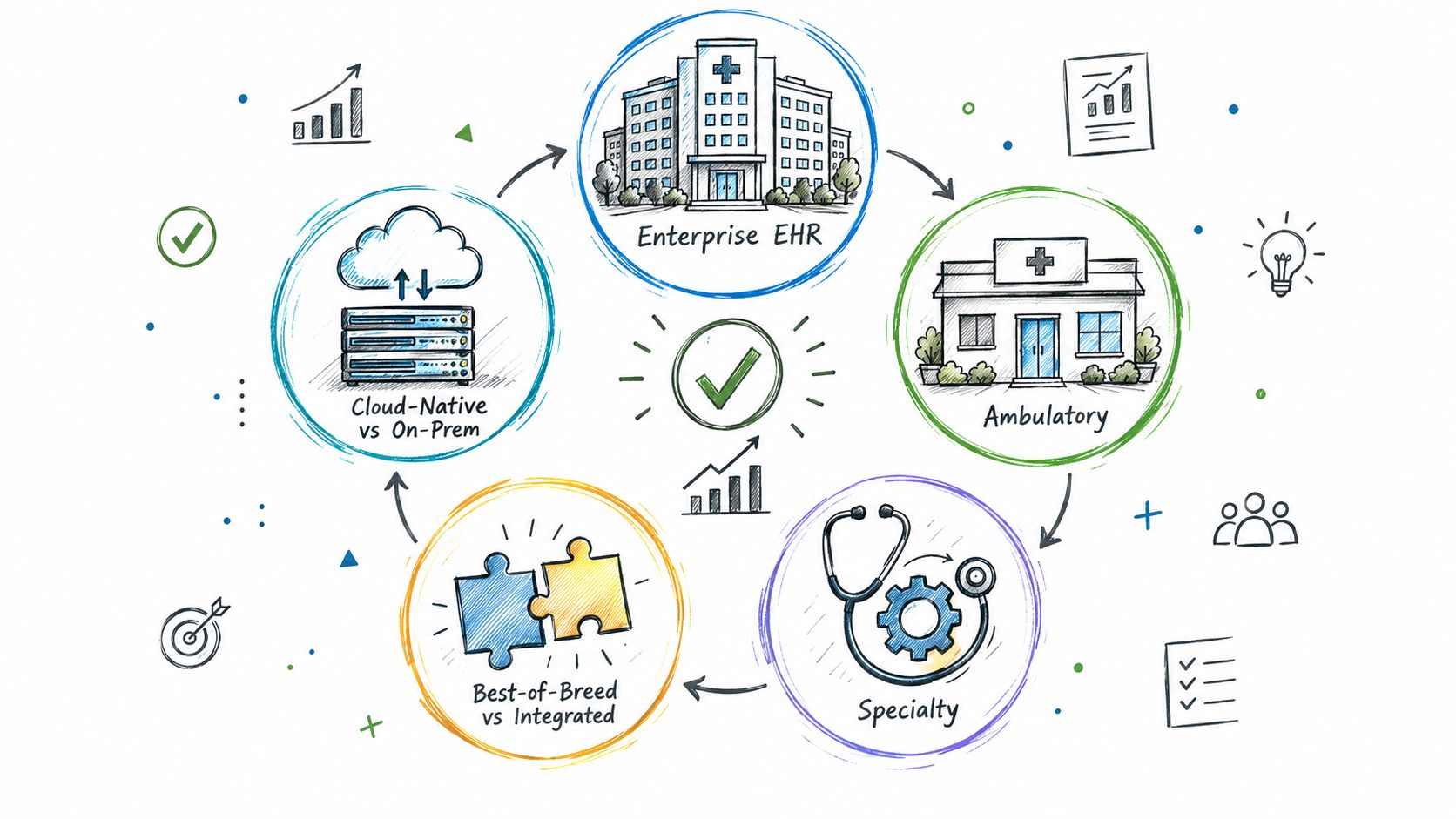
Explore the types of EHR systems by deployment model, care setting and scope. Compare integration options, trade-offs and selection tips for healthtech teams.
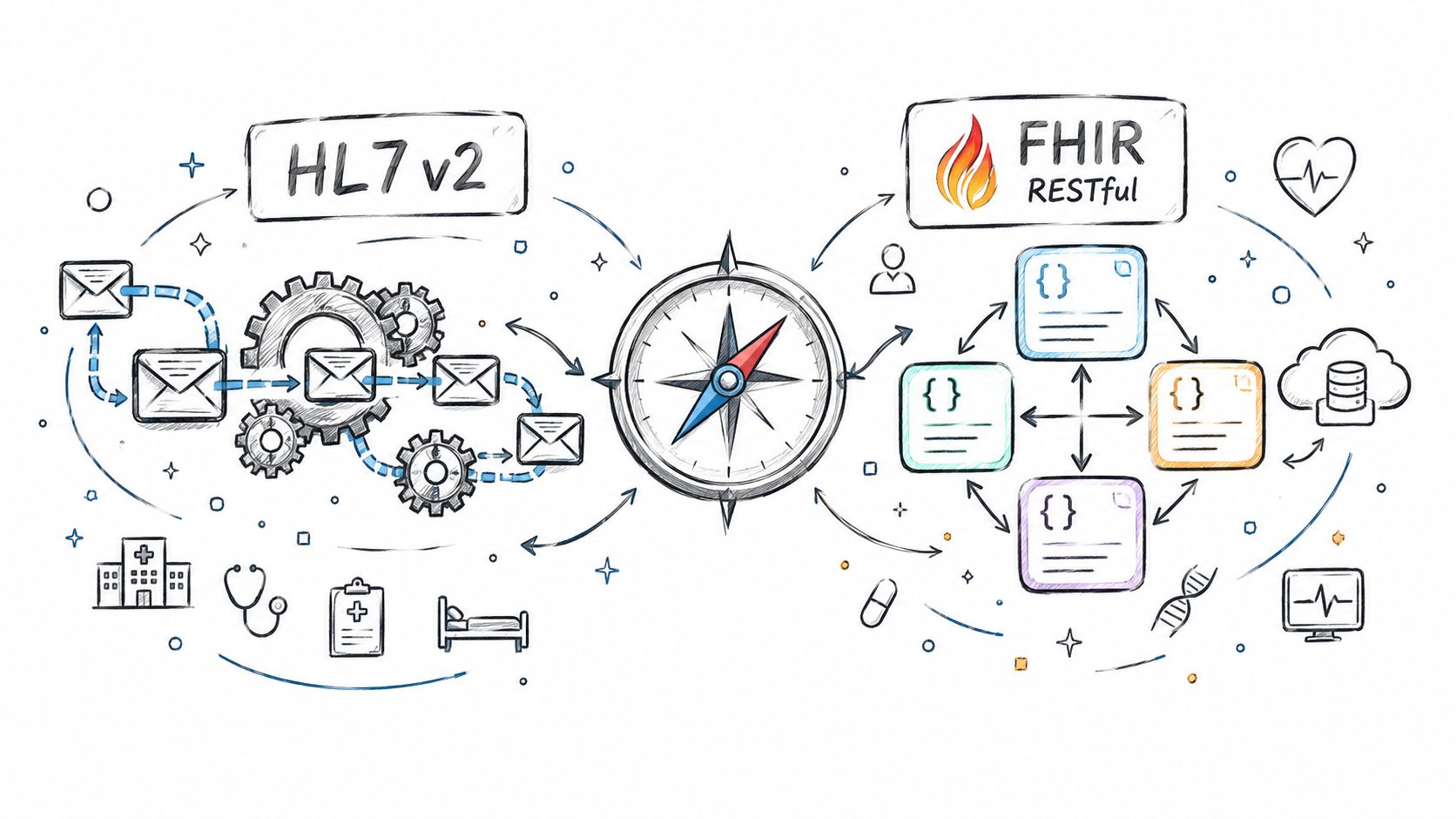
Compare Fhir vs. hl7 standards for healthtech integration. See how HL7 v2 and FHIR differ in use, mechanics, regulation, and real-world architecture.
Connect with our team to explore how AI expertise can transform your business.